01the suite
Every office app. One shared workspace.
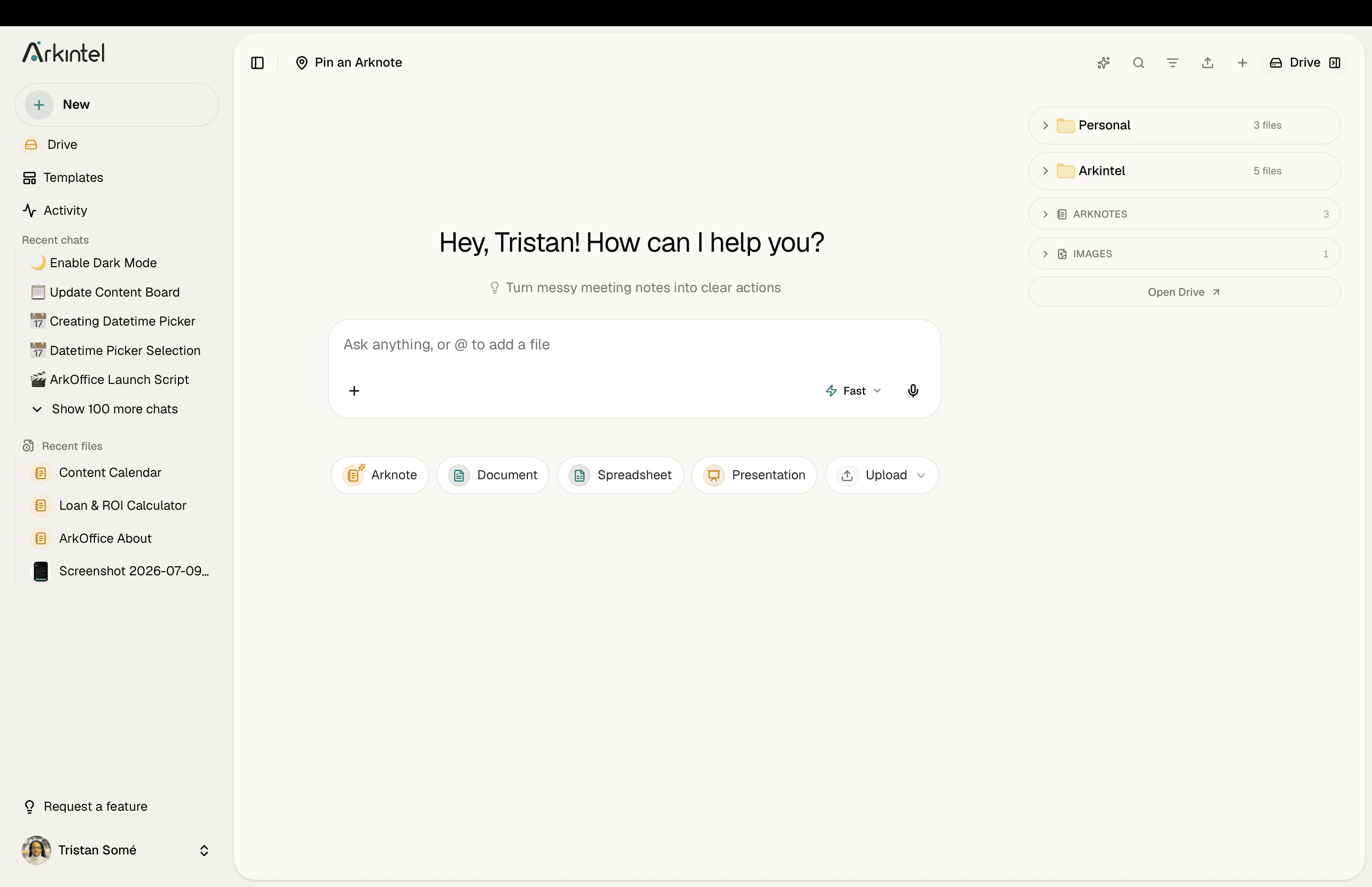
Chat, transcription, Drive, ArkNotes, documents, spreadsheets, slides and PDF tools. Every app works together and has AI built in.
Chat
AI chat, the way you already know it
Ask anything in plain language and get clear, useful answers right here, with live web search when you need it. We never train on your conversations.
- Ask anything in plain language
- Browse the web with live search
- Draft, summarize and brainstorm
- Never trained on your data
Choose the model behind every answer





Transcription
Meetings in, clean notes out.
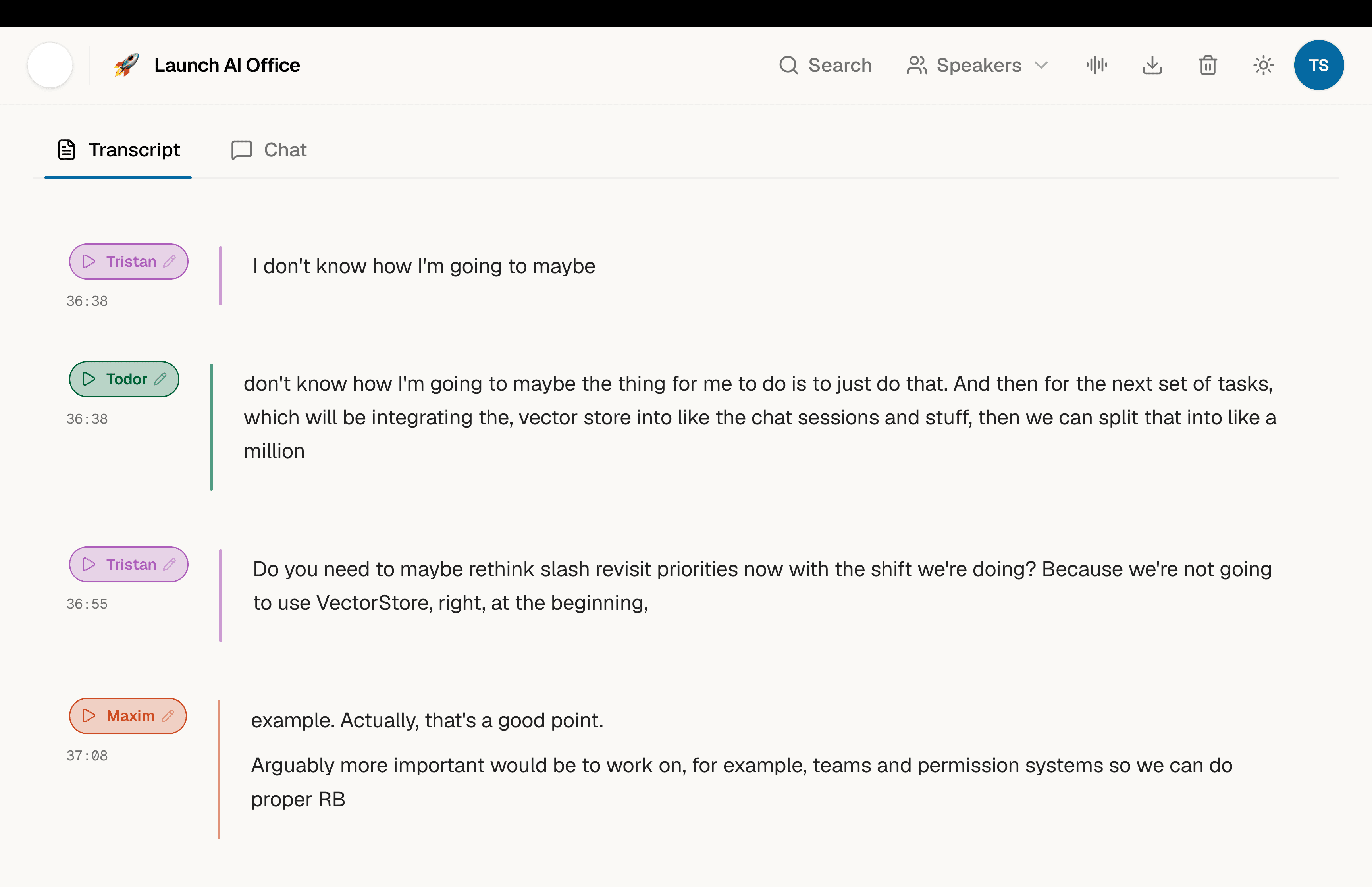
Drop in a recording or join a call and get an accurate, speaker-labelled transcript, then the structured summary your team actually reads: minutes, action points or a call recap.
- Accurate, speaker-labelled transcripts
- Summaries, minutes and action points
- Works across languages
- PII redaction, with an on-prem option
Drive
All your files, one secure home.
Like Google Drive or OneDrive. Every file, one home.Every document, spreadsheet, deck and PDF in one place: versioned, searchable and easy to share. Your team's context lives here, and the AI can see and act on it.
- Store any file type, fully versioned
- Search by content, not just filename
- Granular sharing and permissions
- The shared context the AI works from
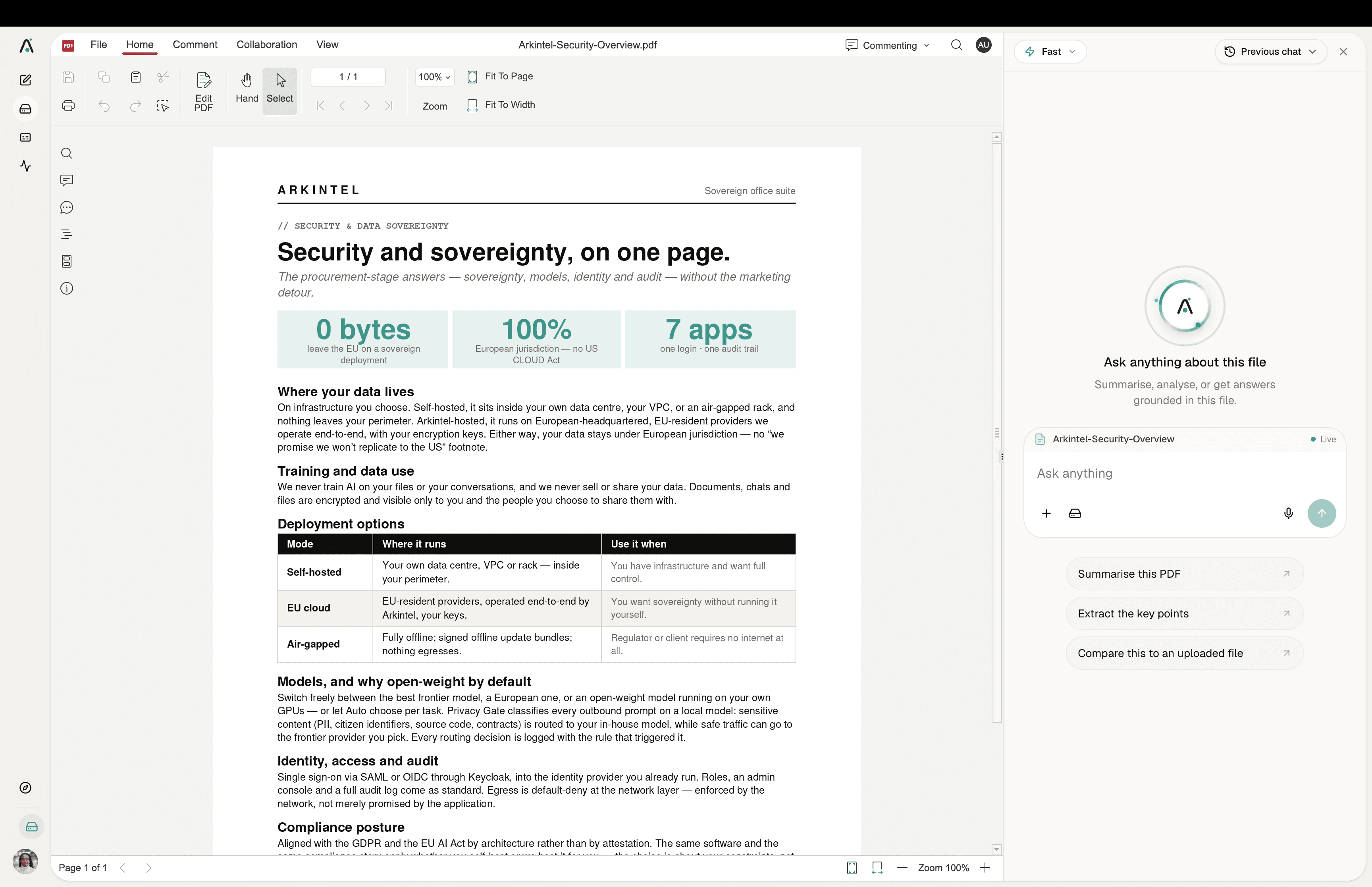
opensDOCXXLSXPPTXPDF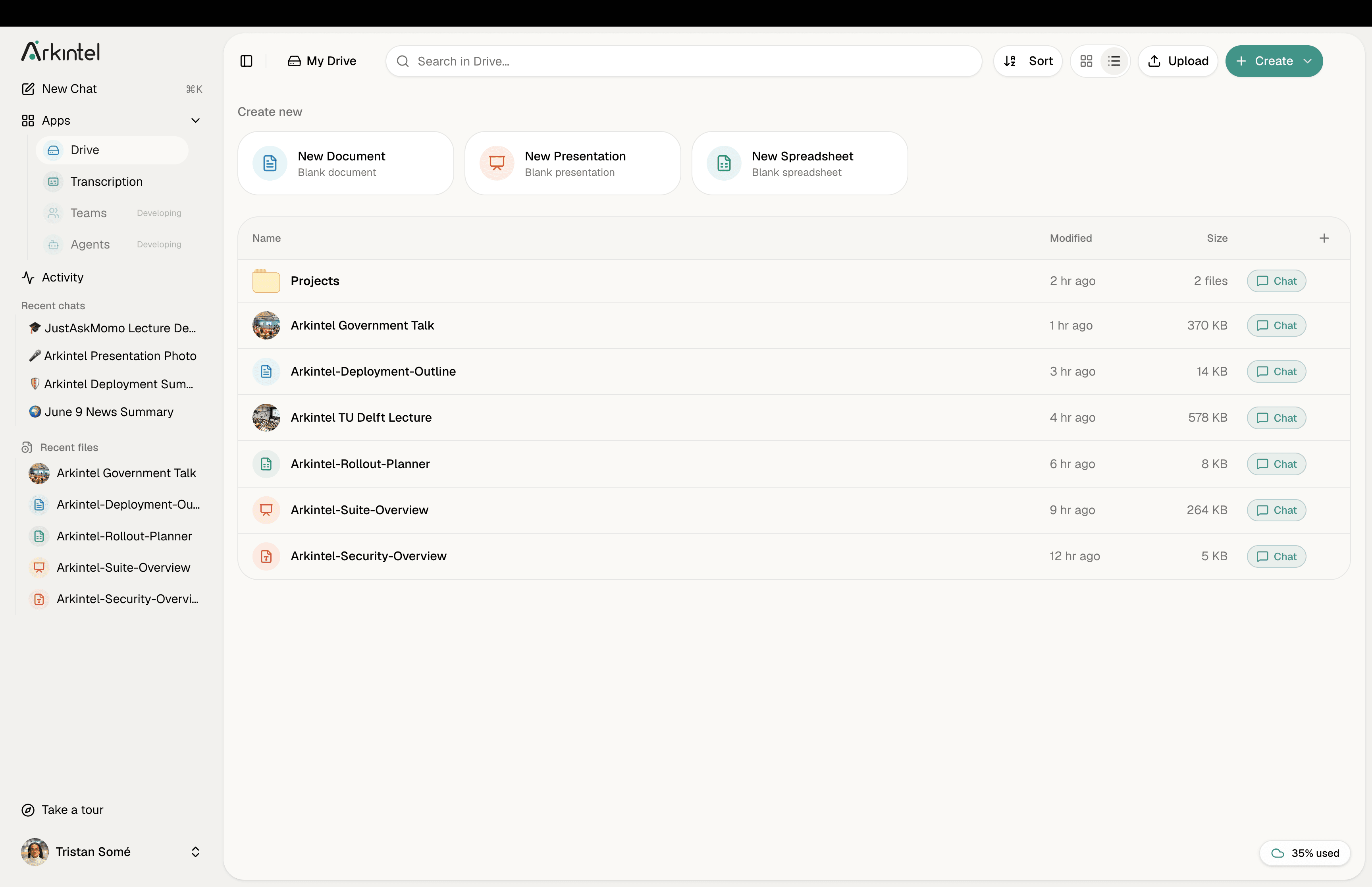
ArkNotes
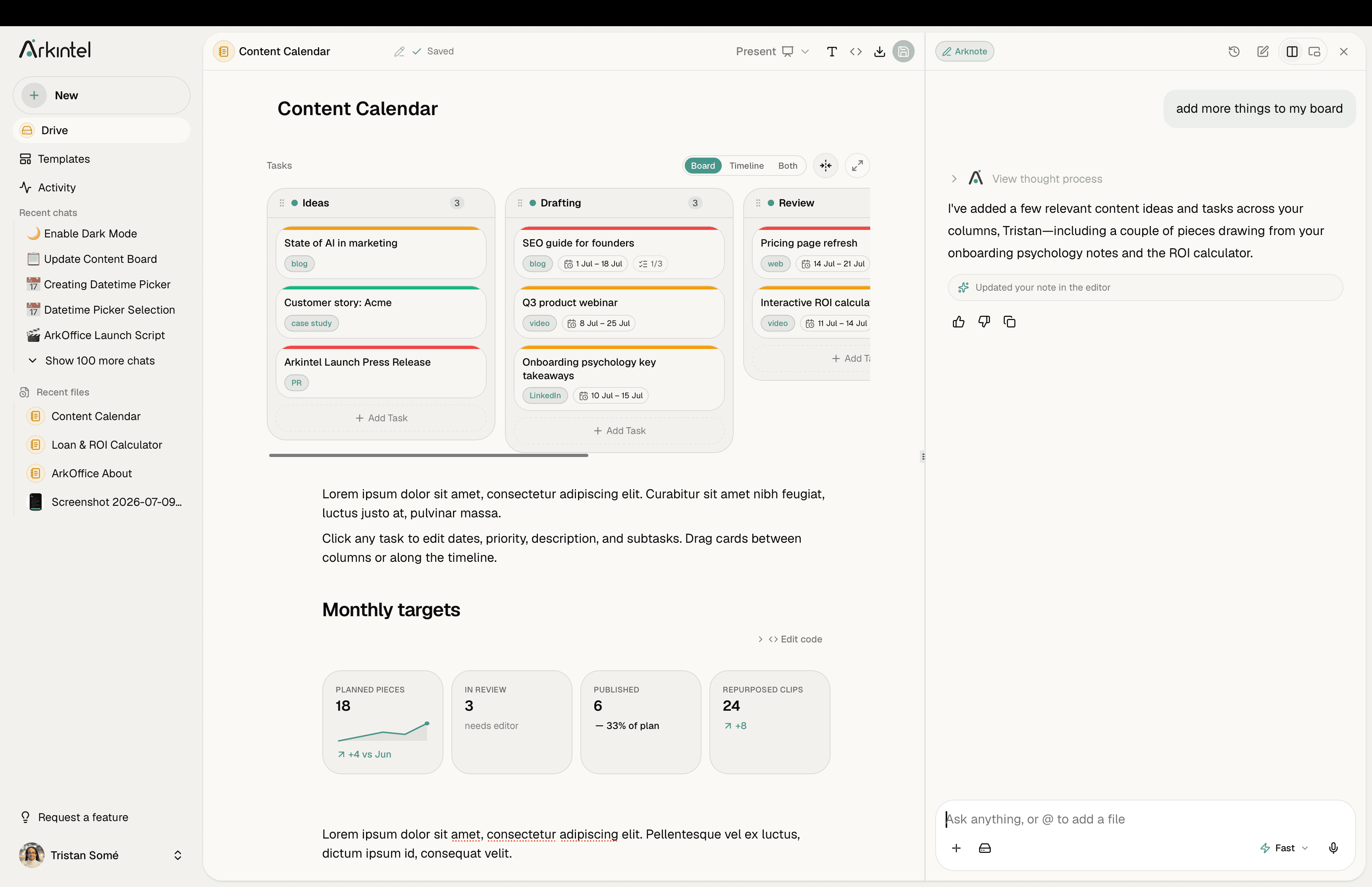
Notes that calculate, chart and respond.
Like Notion or Obsidian, but the notes actually compute.Write in plain markdown, then drop in interactive widgets: sliders, live graphs, calculators, tables and more, right in the page. Change an input and everything recalculates instantly. Your notes live in Drive, and the AI can read, build and update them for you.
- Interactive widgets: sliders, graphs and calculators
- Live results that update as you change the inputs
- Plain markdown you already know
- AI builds and updates notes from your files
Docs
Documents, like Word, with AI.
If you can use Word, you already know Docs.Write, format and collaborate on documents in real time. Opens and saves Word (.docx) files exactly as you'd expect, with AI to draft, rewrite and summarise right inline.
- Full Word (.docx) compatibility
- Real-time co-editing and comments
- AI drafting, rewriting and summaries
- Styles, tables, images and PDF export
opensDOCX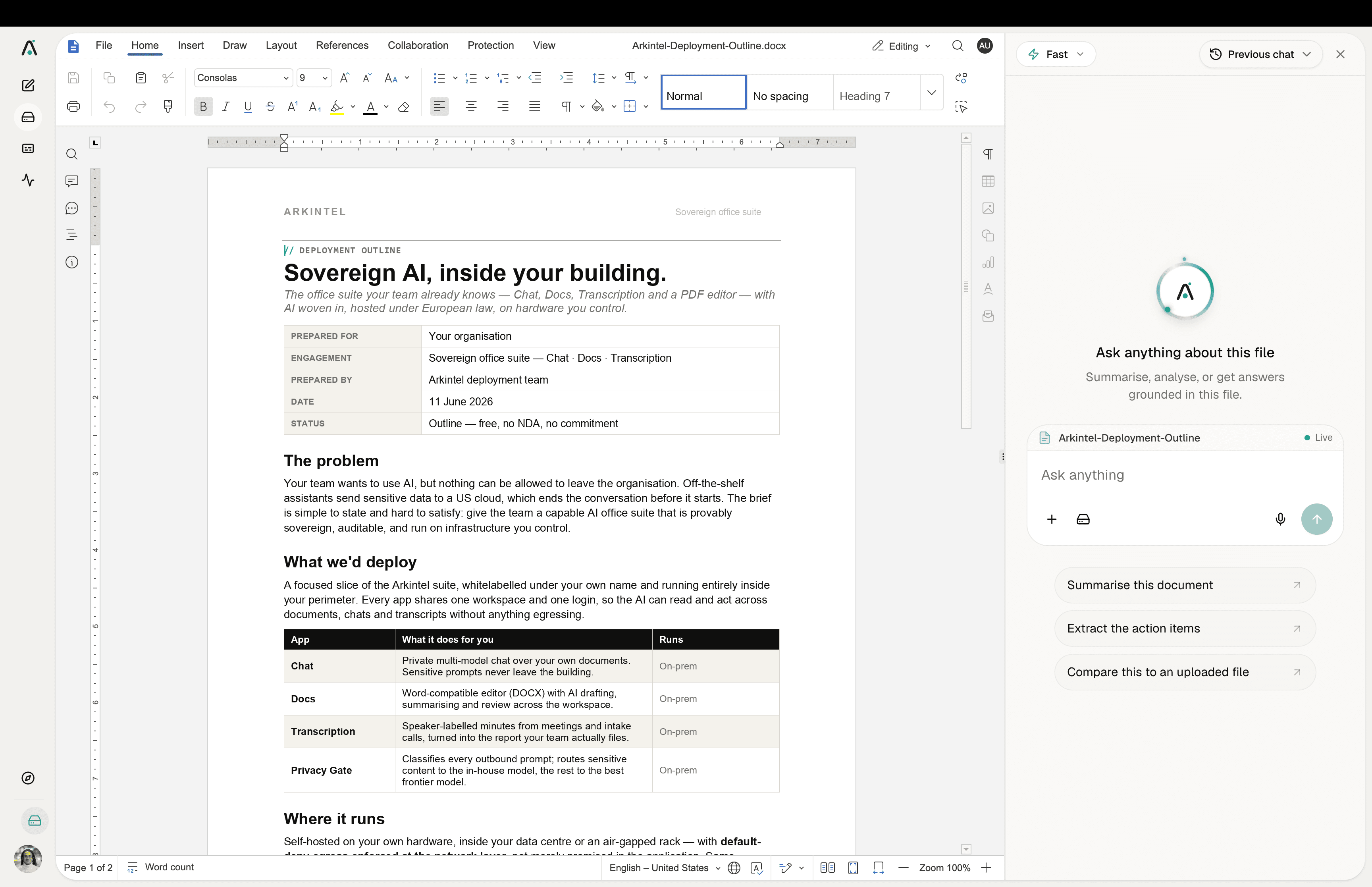
Sheets
Spreadsheets, like Excel, with AI.
If you can use Excel, you already know Sheets.Formulas, charts and pivot tables that behave just like Excel. Open and save .xlsx files, and ask the AI to write a formula, clean up data, or explain what a sheet does.
- Full Excel (.xlsx) compatibility
- Formulas, charts and pivot tables
- AI builds formulas and cleans data
- Real-time collaboration
opensXLSX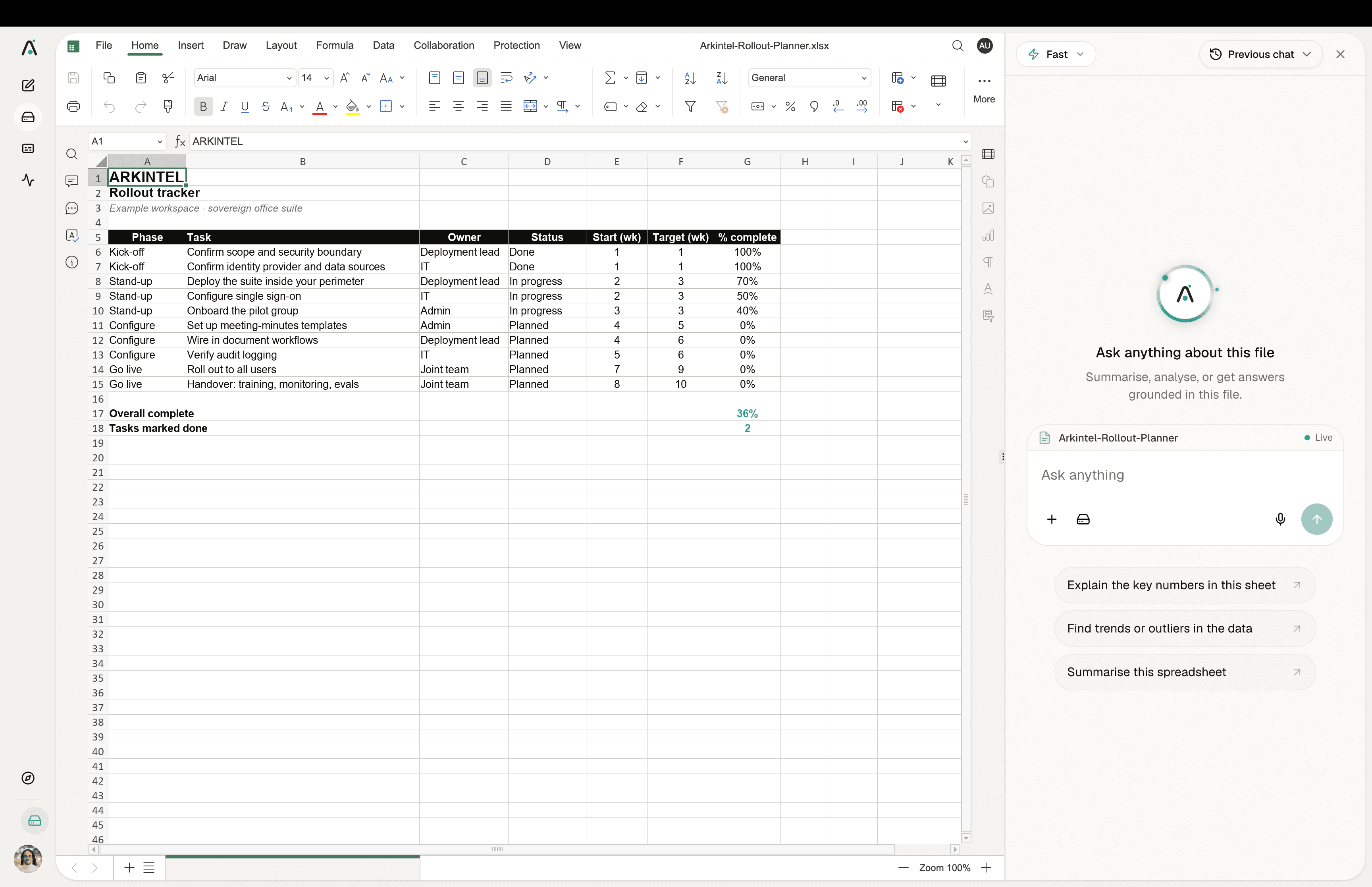
Slides
Presentations, like PowerPoint, with AI.
If you can use PowerPoint, you already know Slides.Build decks with the layouts and transitions your team already knows. Opens and saves PowerPoint (.pptx), and the AI can draft a whole deck or restyle a single slide for you.
- Full PowerPoint (.pptx) compatibility
- Themes, layouts and transitions
- AI drafts and restyles slides
- Present live or export to PDF
opensPPTX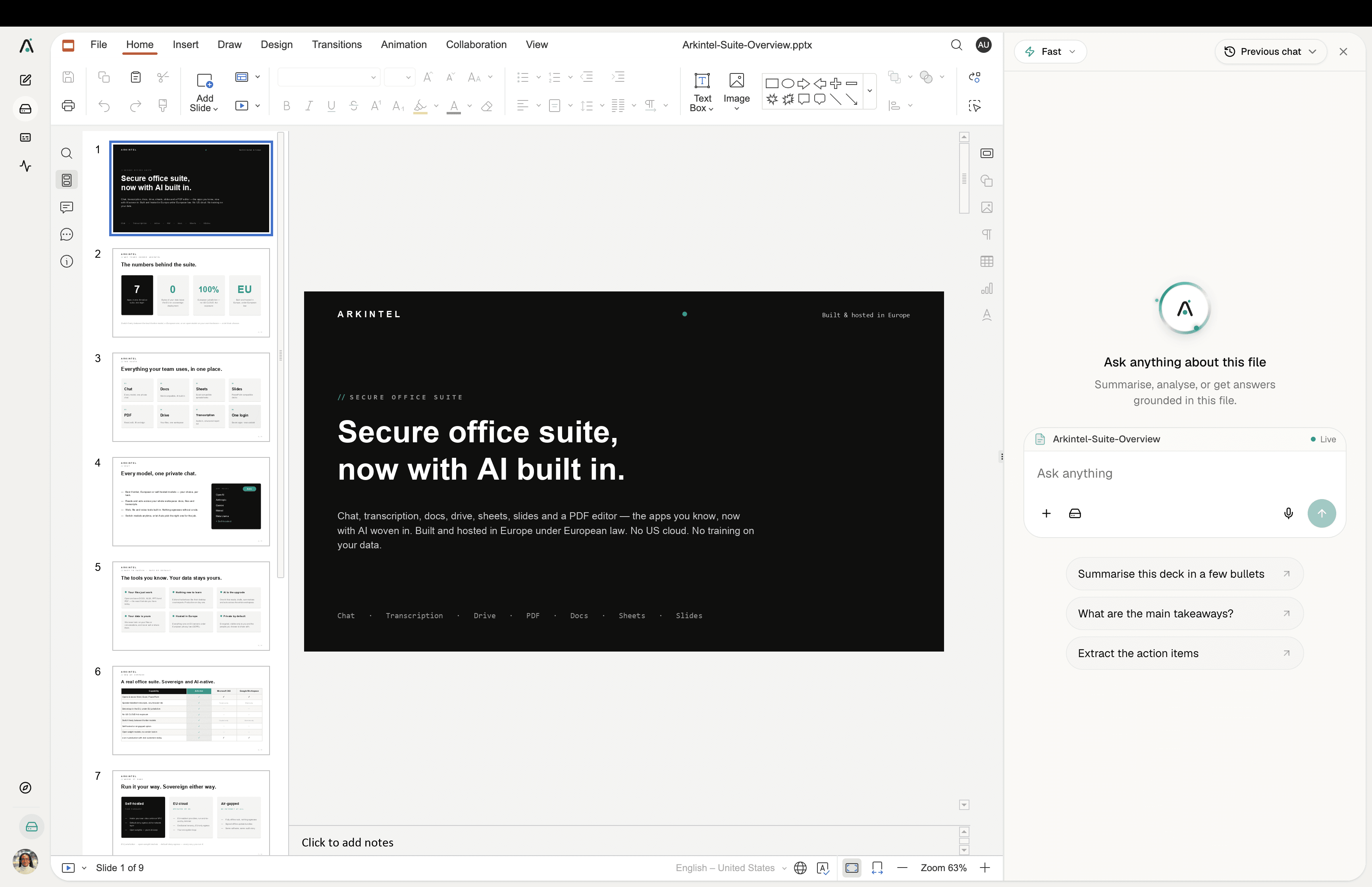
PDF
Read, edit and sign PDFs.
Like Acrobat: read, edit, fill and sign.A full PDF editor: annotate, fill forms, merge, split and sign. Then ask the AI to summarise the document or pull out the data that matters. No more bouncing between tools.
- Annotate, fill, merge, split and sign
- AI summaries and data extraction
- Edit text and images in place
- Export back to PDF or Word
opensPDF